You don’t need a thousand-dollar budget to build a battlestation that feels elite. Smart upgrades beat flashy splurges every time. With the right gaming accessories, you can boost performance, comfort, and immersion without draining your wallet. The key is knowing what actually improves your experience—and what’s just RGB smoke and mirrors.
This guide cuts the fluff. We’re talking about budget gaming gear that genuinely levels up your setup. No hype. No gimmicks. Just practical upgrades that make you faster, more comfortable, and more locked in.
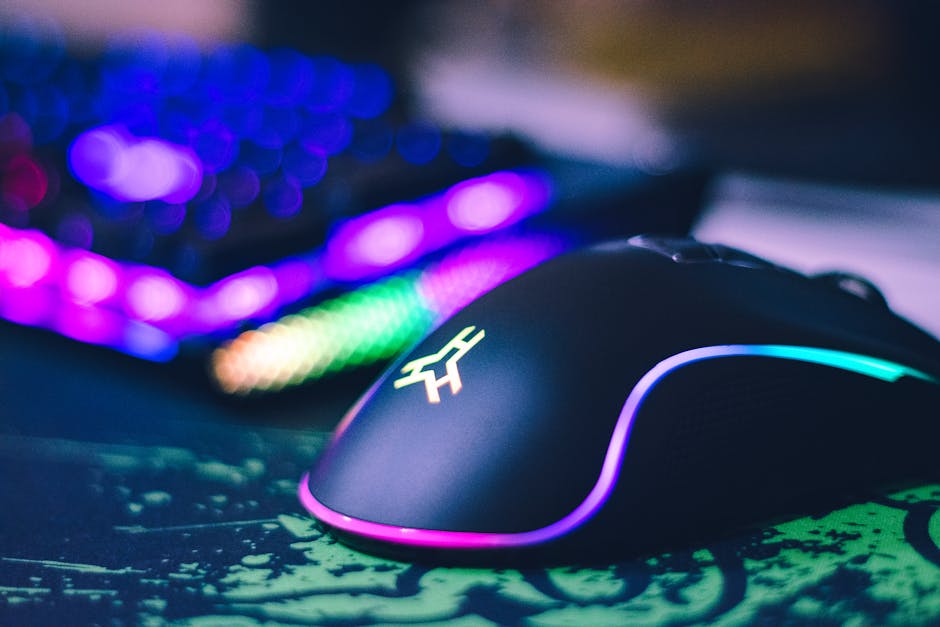
1. Budget Gaming Mouse: Precision First
If there’s one upgrade that instantly impacts gameplay, it’s your mouse. A responsive sensor, solid switches, and comfortable grip matter far more than a premium logo.
What to Look For
- Adjustable DPI (at least up to 8,000)
- Reliable optical sensor
- Lightweight design (under 90g is ideal)
- Programmable buttons
You don’t need 20 buttons unless you’re deep into MMOs. For FPS and competitive titles, simplicity wins. A lightweight mouse reduces wrist strain and improves flick shots. That’s real performance gain.
Budget models today often rival mid-range gear from a few years ago. Focus on sensor quality and build. Skip unnecessary add-ons.
2. Mechanical Keyboard Without the Premium Price
A mechanical keyboard changes everything. The tactile feedback. The response time. The durability. Once you switch, membrane keyboards feel like typing on cardboard.
Budget Switch Options
- Red switches: smooth and quiet, ideal for gaming
- Brown switches: tactile bump, good balance
- Blue switches: clicky, satisfying, but loud
You don’t need high-end branded switches to get performance. Many budget keyboards use solid clones that feel nearly identical in gameplay.
Pro tip: Tenkeyless (TKL) layouts save desk space and give your mouse more room to move. More space equals better aim. Simple.
3. High-Refresh-Rate Monitor on a Budget
This is where you feel the difference immediately. Moving from 60Hz to 144Hz is like unlocking a new game engine. Smoother motion. Cleaner tracking. Faster reaction time.
The good news? Affordable 144Hz monitors are everywhere now.
What Matters Most
- At least 144Hz refresh rate
- 1ms response time (or close)
- Adaptive sync support
- 1080p resolution for budget builds
You don’t need 4K if your system can’t push it. A stable 1080p at high refresh will outperform a struggling 4K setup every time. Performance beats pixels.
4. Headset That Delivers Real Positional Audio
Footsteps win matches. Clear comms save rounds. A good gaming headset doesn’t have to cost a fortune—it just needs accurate sound and a clean mic.
Key Features
- Stereo sound with good directional clarity
- Comfortable ear cups (memory foam helps)
- Noise-isolating microphone
- Lightweight build
Virtual 7.1 can be nice, but even quality stereo headphones can provide excellent spatial awareness. Comfort matters more than flashy branding. Long sessions demand it.
If you already own decent headphones, consider adding a standalone budget mic. Often better quality. Smarter investment.
5. Mousepad: The Underrated Upgrade
It’s just a mousepad, right? Wrong.
A quality extended mousepad improves tracking consistency and protects your desk. More importantly, it stabilizes your aim.
Why It Matters
- Consistent glide surface
- Room for low-sensitivity movement
- Non-slip rubber base
Cloth pads offer control. Hard pads offer speed. Choose based on your playstyle. For most players, a large cloth pad hits the sweet spot.
Cheap, effective, instantly noticeable. That’s a win.
6. Ergonomic Gaming Chair (Without the “Gaming” Tax)
Let’s be honest. Many “gaming chairs” are overpriced race car cosplay.
Instead of chasing flashy designs, focus on ergonomic support. Your back will thank you.
Look For
- Adjustable lumbar support
- Breathable material
- Height and tilt adjustments
- Sturdy frame
Sometimes an ergonomic office chair outperforms branded gaming models at half the cost. Comfort equals longer sessions without fatigue. That’s performance longevity.
7. Budget RGB That Actually Enhances the Setup
RGB isn’t mandatory. But when done right, it elevates your space.
The trick? Subtlety.
- LED light strips behind your desk
- Soft backlighting behind your monitor
- Keyboard lighting for late-night sessions
Ambient lighting reduces eye strain and improves immersion. You don’t need a rainbow explosion. Clean, coordinated lighting looks sharper and feels more professional.
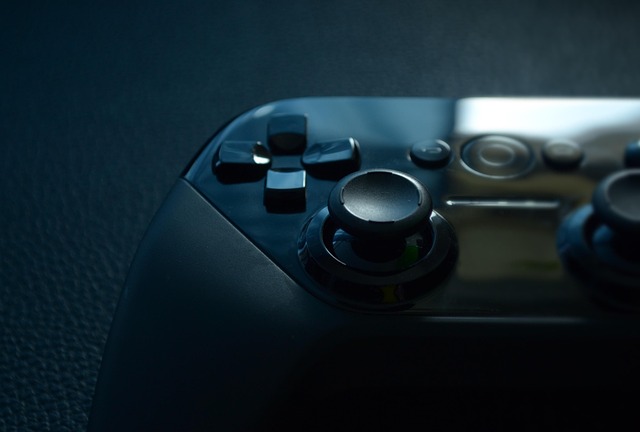
8. Controller Upgrade for Console and PC
If you play racing, sports, or certain action titles, a reliable controller matters.
Budget controllers today offer responsive triggers, textured grips, and even customizable buttons.
Why Upgrade?
- Reduced input lag
- Better grip during long sessions
- Durable analog sticks
A worn-out controller costs you precision. Replacing it with a solid budget option can instantly improve control and consistency.
9. External SSD for Faster Load Times
This isn’t flashy. It’s powerful.
If you’re still running games off an old HDD, you’re wasting time—literally. An external SSD dramatically reduces load screens and improves overall responsiveness.
Faster boot times. Faster map loads. Less waiting. More playing.
And prices have dropped enough that this upgrade is no longer premium-only territory.
10. Cable Management: Clean Setup, Clear Mind
Clutter kills focus. A messy desk feels chaotic.
Budget cable management solutions—Velcro straps, cable sleeves, under-desk trays—cost little but transform your space.
Benefits
- Improved airflow
- Safer wiring setup
- Cleaner aesthetic
- Better mental clarity
When your environment looks sharp, you feel sharper. It’s subtle. It works.
How to Prioritize Your Budget
Not all upgrades should happen at once. Strategy matters.
Step 1: Fix Performance Bottlenecks
If your mouse lags or your monitor caps at 60Hz, start there.
Step 2: Improve Comfort
Chair, headset, keyboard. Reduce fatigue.
Step 3: Enhance Aesthetics
Lighting, cable management, cosmetic upgrades.
Performance first. Comfort second. Style third.
Common Budget Gear Mistakes to Avoid
1. Buying the Cheapest Option Available
Cheap isn’t always smart. Look for value, not rock-bottom pricing.
2. Overloading on RGB Instead of Core Gear
Lights don’t improve aim. Prioritize functionality.
3. Ignoring Reviews and Real-World Testing
Specs on paper mean nothing if durability fails in months.
4. Upgrading Everything at Once
Test each change. Feel the improvement. Build strategically.
Building a Setup That Feels Elite
You don’t need a massive budget. You need smart decisions.
A smooth 144Hz monitor paired with a lightweight mouse already puts you ahead. Add a mechanical keyboard and solid headset, and your core experience transforms.
Then layer comfort and aesthetics. Dial in your lighting. Clean your cables. Optimize your space.
The result? A setup that feels intentional. Focused. Powerful.
Final Thoughts: Upgrade with Purpose
Budget gaming gear has evolved. What used to cost a fortune is now accessible. The performance gap between mid-tier and high-end has narrowed.
You don’t need to chase every new release. You need to build a setup that supports how you play.
Precision mouse. Responsive keyboard. High-refresh monitor. Comfortable chair. Clean environment.
That’s the formula.
Stay sharp. Upgrade smart. And let your setup work as hard as you do.