
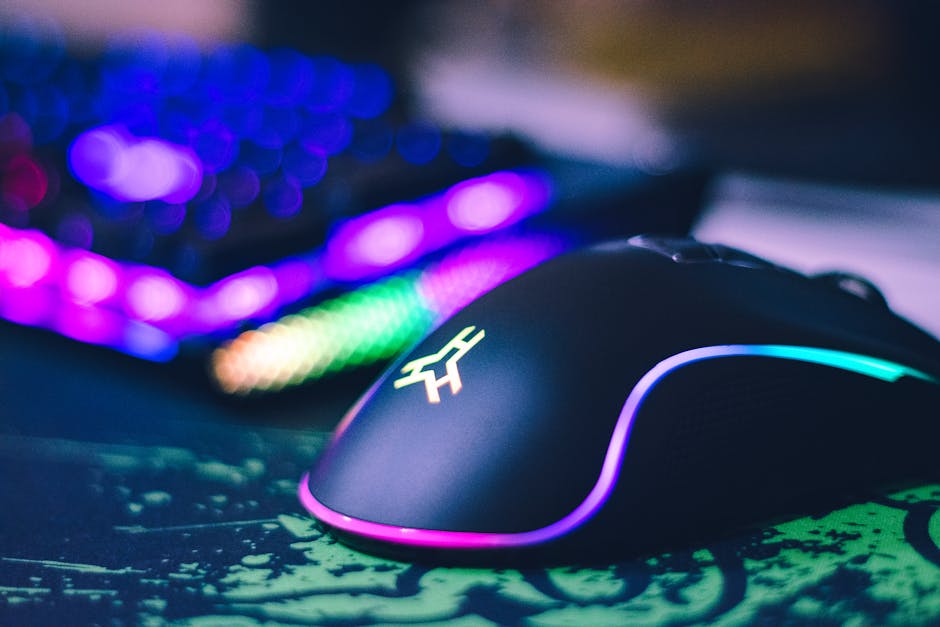
If you’re serious about gaming, your mouse isn’t just a peripheral — it’s a weapon. The right high performance gaming mouse can mean the difference between clutching a 1v3 and staring at a respawn screen. Speed, precision, durability — it all matters.
But the market is flooded with options. RGB everywhere. Wild claims about DPI. Fancy shapes. So what actually matters?
Here’s exactly what to look for in a high performance gaming mouse — no fluff, just what gives you an edge.
1. Sensor Quality: The Heart of a High Performance Gaming Mouse
If the sensor is weak, nothing else matters.
The sensor determines tracking accuracy, responsiveness, and consistency. A top-tier gaming mouse should use a high-quality optical sensor from trusted manufacturers like PixArt (e.g., PMW3360, 3370, 3395, or newer flagship variants).
What to Look For:
- True 1:1 tracking (no acceleration unless intentionally enabled)
- No smoothing or prediction
- High IPS (Inches Per Second) rating
- High max acceleration (G rating)
Ignore inflated DPI numbers for a moment. A flawless sensor at 1600 DPI is better than a shaky sensor at 30,000 DPI. Consistency wins fights.
2. DPI: Important, But Not How You Think
DPI (dots per inch) measures sensitivity. Higher DPI means the cursor moves farther with less physical movement.
Marketing loves extreme DPI numbers — 20,000+, 30,000+. Sounds impressive. Rarely necessary.
Most competitive gamers use between 400 and 1600 DPI. What matters more is:
- Smooth DPI steps
- Reliable tracking at your preferred setting
- Onboard memory to save DPI profiles
Choose a mouse that supports adjustable DPI with software customization. Flexibility matters more than extremes.
3. Polling Rate: Speed of Communication
Polling rate determines how often your mouse reports its position to your PC. It’s measured in Hz.
- 1000 Hz = 1 ms response time (standard for high performance gaming mice)
- 2000–8000 Hz = Ultra-high polling (available on premium models)
For most gamers, 1000 Hz is more than enough. Competitive FPS players may benefit from higher polling rates — but only if their system can handle it.
Bottom line: Don’t buy anything below 1000 Hz if you want serious performance.
4. Weight: Lighter Isn’t Always Better
Weight has become a battleground. Ultra-light gaming mice under 60 grams dominate the competitive scene.
Why? Less weight = faster flicks, less fatigue, better micro-adjustments.
But here’s the Spartan truth:
- If you play fast-paced FPS (Valorant, CS2, Apex) — go lighter (50–70g).
- If you play MMOs or strategy games — weight matters less.
- If you prefer control over speed — slightly heavier may feel better.
Test what feels right. The “best” weight is the one that gives you control without strain.
5. Shape and Ergonomics: Comfort Wins Long Games
A high performance gaming mouse should feel like an extension of your hand.
There are three main grip styles:
Palm Grip
Your whole hand rests on the mouse. Look for ergonomic, larger mice with a higher hump.
Claw Grip
Fingertips and palm base touch the mouse. Medium-sized mice with a rear hump work best.
Fingertip Grip
Only fingertips control the mouse. Smaller, lightweight mice dominate here.
Shape matters more than specs. You can adapt to DPI. You can’t adapt to hand pain.
6. Build Quality: No Creaking, No Compromise
Performance means nothing if the mouse falls apart.
Check for:
- Solid shell construction (no flexing when squeezed)
- High-quality PTFE feet for smooth glide
- Durable scroll wheel with defined steps
- Minimal side-button wobble
Premium materials cost more — but they last longer. A serious gaming mouse should survive years of intense use.
7. Switches: Click Feel and Durability
Mouse switches determine how clicks feel and how long they last.
Common types include:
- Mechanical switches (crisp, tactile)
- Optical switches (faster actuation, reduced double-click issues)
Look for switches rated for at least 50–80 million clicks. Competitive gamers click thousands of times per session. Durability isn’t optional.
Also consider click tension. Too light? Accidental shots. Too heavy? Slower reactions.
8. Wired vs Wireless: Is Wireless Gaming Good Now?
Short answer: Yes.
Modern wireless gaming mice with 2.4GHz connections offer near-zero latency. Many pros now use wireless exclusively.
Wired Pros:
- No battery concerns
- Often cheaper
- No potential interference
Wireless Pros:
- No cable drag
- Cleaner setup
- Greater freedom of movement
If you choose wireless, look for:
- Low-latency 2.4GHz connection (not just Bluetooth)
- At least 60+ hours battery life
- Fast charging or USB-C
Wireless is no longer a compromise. It’s often the upgrade.
9. Software and Customization
A high performance gaming mouse should come with robust customization software.
You should be able to:
- Adjust DPI levels
- Remap buttons
- Create macros
- Customize RGB lighting (if you care)
- Save profiles to onboard memory
Onboard memory is critical. It lets you keep your settings even when switching PCs.
Good software enhances performance. Bad software is bloat. Research before you buy.
10. Extra Buttons: Only If You Need Them
More buttons aren’t automatically better.
For FPS games, two side buttons are usually enough.
For MMO or MOBA players, a gaming mouse with 6–12 programmable side buttons can massively improve efficiency.
Ask yourself: Will I actually use these buttons? If not, they’re just extra weight and clutter.
11. Glide and Mouse Feet
Mouse feet are overlooked — until they’re bad.
High-quality PTFE (Teflon) feet provide smooth, consistent glide. Some high performance gaming mice even include replacement feet in the box.
If glide matters to you, also consider your mousepad. A top-tier mouse paired with a worn-out pad is wasted potential.
12. Price vs Value
You don’t need to spend $200 to get a competitive gaming mouse.
Many excellent options exist in the mid-range tier. What you’re paying for at the high end:
- Lighter materials
- Cutting-edge sensors
- Premium switches
- Better battery technology
Define your needs first. Then match your budget.
Final Checklist: Choosing the Best High Performance Gaming Mouse
Before buying, run through this quick checklist:
- ✅ Top-tier optical sensor
- ✅ 1000 Hz polling rate (minimum)
- ✅ Comfortable shape for your grip style
- ✅ Appropriate weight for your game type
- ✅ Durable switches (50M+ clicks)
- ✅ Solid build quality
- ✅ Reliable wired or low-latency wireless connection
- ✅ Customizable software with onboard memory
Miss more than two? Keep looking.
The Bottom Line
A high performance gaming mouse isn’t about flashy RGB or absurd DPI numbers. It’s about precision, control, and reliability under pressure.
Get the fundamentals right: sensor, shape, weight, and switches. Everything else is secondary.
Choose a mouse that fits your hand, matches your playstyle, and holds up under stress. When the moment comes — overtime, final round, one shot to win — your gear shouldn’t be the weak link.
Keep it simple. Keep it sharp. Game hard.