
Gaming is expensive. Or at least, that’s what the marketing machines want you to believe.
RGB everything. “Pro” branding slapped on plastic. Price tags that punch harder than the final boss. But here’s the truth: you don’t need to drop a month’s rent to get solid performance. Budget gaming gear that still delivers is real — if you know where to look and what actually matters.
This guide cuts through the hype and shows you how to build a capable setup without torching your bank account. No fluff. No unnecessary upgrades. Just gear that works.
What “Budget” Really Means in Gaming
Let’s define something upfront. Budget doesn’t mean garbage. It means maximum value per dollar.
You’re not chasing bleeding-edge specs. You’re chasing:
- Reliable performance
- Durability that lasts years, not months
- Features that matter (not marketing gimmicks)
- Strong reviews and real-world results
Spartan rule: If it doesn’t improve gameplay, reaction time, comfort, or immersion — you don’t need it.
Budget Gaming Mouse That Still Hits Hard
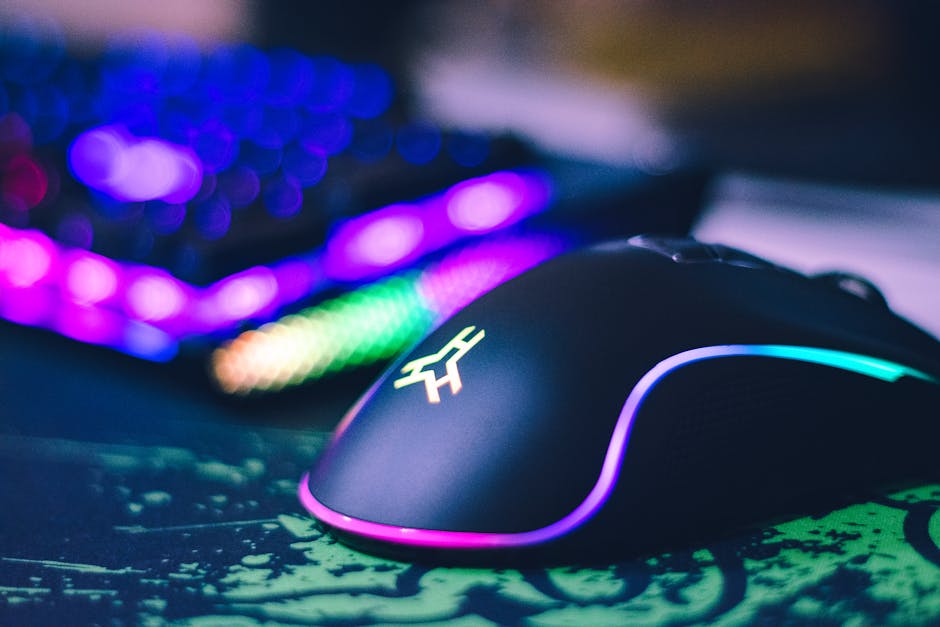
A gaming mouse is your primary weapon. Don’t cheap out completely — but don’t overspend either.
What Actually Matters
- A quality optical sensor (PixArt sensors are gold standard)
- Low click latency
- Comfortable shape for your grip style
- Durable switches (rated for millions of clicks)
What doesn’t matter? 20,000+ DPI settings. You won’t use them.
Plenty of budget gaming mice under $50 now feature top-tier sensors once reserved for $100+ models. Brands like Logitech, Razer (entry-level lines), SteelSeries, and HyperX regularly release stripped-down versions of their premium gear — same core performance, fewer flashy extras.
Pro tip: Lightweight mice (under 80g) are often better for FPS games, and many affordable models now hit that range.
Budget Gaming Keyboard: Mechanical Without the Pain
You don’t need a $200 keyboard to frag enemies.
The biggest question: membrane or mechanical?
Membrane Keyboards
Cheaper. Quieter. Softer feel. Fine for casual gaming.
Mechanical Keyboards
More durable. More precise. Better feedback. Usually preferred for competitive play.
The good news? Budget mechanical keyboards have exploded in quality.
You can now find:
- Hot-swappable switches
- Solid aluminum top plates
- Anti-ghosting and N-key rollover
- RGB (if you care)
Look for reputable budget brands like Redragon, Keychron (entry models), Royal Kludge, or budget lines from mainstream brands.
Spartan move: Skip the full-size board if you don’t need a numpad. Tenkeyless (TKL) or 60% keyboards are cheaper and free up desk space for mouse movement.
Affordable Gaming Headsets That Don’t Sound Like a Tin Can
Audio wins games. Hearing footsteps before you see enemies is a competitive advantage.
But here’s the secret: many “gaming” headsets are overpriced.
What to Look For
- Clear directional audio
- Comfort for long sessions
- A decent microphone (or detachable mic)
- Lightweight design
In the under-$80 range, you can find shockingly good sound quality. Some budget headsets even compete with mid-tier models.
Alternative Spartan strategy: Buy a pair of quality budget headphones and pair them with a separate USB mic. Often better audio. Same price. More versatility.
Comfort matters more than RGB earcups. If it clamps your skull after two hours, it’s not a win.
Budget Gaming Monitor: Where You Shouldn’t Cut Corners
This is one area where spending slightly more pays off.
A monitor directly impacts your experience every second you play.
Minimum Specs for Modern Budget Gaming
- 1080p resolution
- At least 144Hz refresh rate
- 1ms–5ms response time
- Adaptive sync (FreeSync or G-Sync compatible)
The good news? 144Hz monitors are no longer luxury items. Many excellent options sit in the budget category now.
Spartan rule: Choose refresh rate over 4K resolution if you’re on a tight budget. Smooth gameplay > ultra-high resolution.
Fast frames win fights.
Budget Gaming Chair: Don’t Fall for the Racing Seat Trap
Let’s be honest. Most “gaming chairs” are overpriced marketing pieces.
You don’t need a bucket seat that looks like it belongs in a race car.
What you actually need:
- Proper lumbar support
- Adjustable height
- Breathable material
- Strong base and wheels
Sometimes a quality ergonomic office chair beats a flashy gaming chair — often for less money.
Your back will thank you. And you’ll have more budget left for gear that affects performance.
Budget Gaming PC Components That Deliver Performance
If you’re building or upgrading a gaming PC, this is where strategy matters most.
Graphics Card (GPU)
Biggest performance driver in gaming. If you’re allocating budget, this is priority number one.
Look for last-generation GPUs on discount. They often deliver incredible price-to-performance ratios once newer models drop.
CPU
You don’t need the flagship processor. Mid-range CPUs from AMD and Intel are more than capable of running modern games smoothly.
Spartan tip: Pair a strong mid-range CPU with a solid GPU instead of overspending on one and bottlenecking the other.
RAM
16GB is the sweet spot. No need for 32GB unless you’re heavy multitasking or content creating.
Storage
SSD. Non-negotiable.
Even a budget NVMe drive dramatically improves load times compared to old HDDs.
Budget Gaming Accessories Worth Buying
Not everything is essential. But some small upgrades go a long way.
Mousepad
A large, quality mousepad improves tracking and comfort. Cheap. Effective. Worth it.
Controller
If you play racing or platform games, a solid budget controller adds flexibility. You don’t always need the “pro” version.
Webcam (If You Stream)
Entry-level 1080p webcams are affordable and perfectly fine for beginner streamers.
Don’t buy gear for clout. Buy it when your needs demand it.
How to Save Even More on Gaming Gear
Here’s where you play smart.
1. Buy Last Year’s Model
Tech depreciates fast. Performance doesn’t.
2. Watch for Seasonal Sales
Black Friday. Cyber Monday. Back-to-school. Prime events. Big discounts happen predictably.
3. Refurbished and Open-Box Deals
Certified refurbished products often come with warranties and heavy discounts.
4. Avoid Day-One Releases
Early adopters pay more. Always.
Common Budget Gaming Mistakes to Avoid
Let’s keep it real.
- Overspending on aesthetics instead of performance
- Buying ultra-cheap no-name brands with zero reviews
- Ignoring ergonomics
- Chasing specs you don’t understand
- Upgrading everything at once instead of prioritizing
Spartan mindset: Upgrade what limits you. Ignore the rest.
Final Thoughts: Performance Over Hype
The best budget gaming gear isn’t flashy. It’s efficient.
It shows up. It performs. It doesn’t break after six months.
You don’t need a $3,000 setup to enjoy smooth frame rates, clean audio, and responsive controls. You need smart choices.
Focus on:
- Strong core components
- Reliable peripherals
- Comfort for long sessions
- Long-term durability
That’s it.
Gaming isn’t about how much you spend. It’s about how well your gear supports your skills.
Keep it lean. Keep it efficient. And let your performance do the talking.